Getting Started
Welcome to FilterMate! These tutorials will help you become productive quickly.
Tutorials in This Section
Quick Start
Time: 5 minutes
Learn the essential workflow:
- Opening FilterMate and selecting layers
- Creating your first attribute filter
- Understanding backend selection
- Exporting filtered results
Your First Filter
Time: 10-15 minutes
Complete step-by-step tutorial:
- Setting up a geometric filter
- Using buffer operations
- Working with spatial predicates
- Reviewing and exporting results
Before You Start
Make sure you have:
- ✅ QGIS 3.x installed
- ✅ FilterMate plugin installed (Installation Guide)
- ✅ Vector layer loaded in your project
Performance Tips
For best results with large datasets:
- 📦 Medium datasets (<50k features): Spatialite/OGR work well
- ⚡ Large datasets (>50k features): Install
psycopg2for PostgreSQL support - 🗄️ Very large datasets (>1M features): Use PostGIS layers
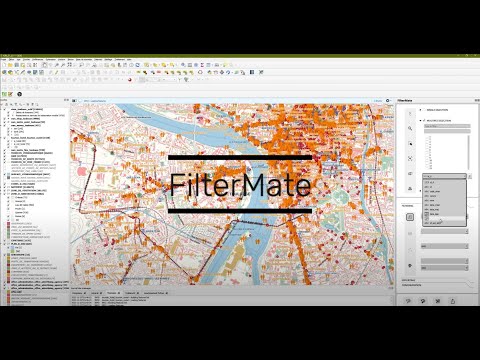
Video Tutorial
Prefer video learning? Watch our complete walkthrough:
Next Steps
After completing these tutorials:
- Interface Overview - Explore all UI components
- Filtering Basics - Master attribute filtering
- Geometric Filtering - Advanced spatial operations
- Backends Overview - Understand performance optimization
Need Help?
Check the Troubleshooting Guide or visit GitHub Issues.