Installation
FilterMate is available through the QGIS Plugin Repository and works out of the box with any QGIS installation.
Basic Installation
- Open QGIS
- Go to Plugins → Manage and Install Plugins
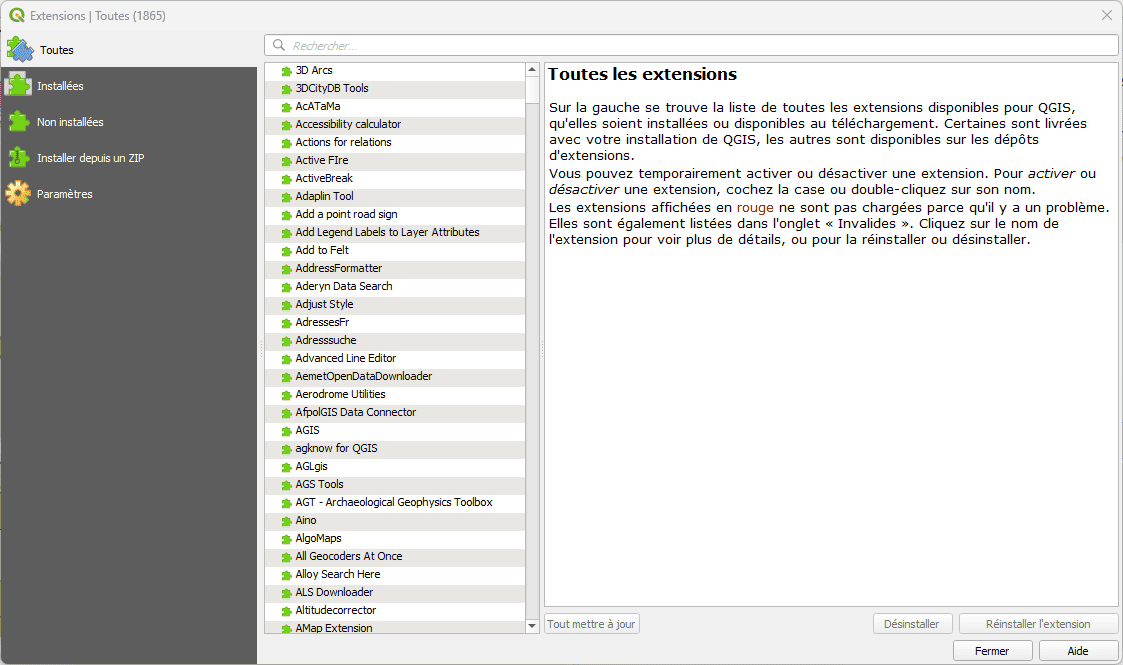
QGIS Plugin Manager - Search for FilterMate
- Search for "FilterMate"
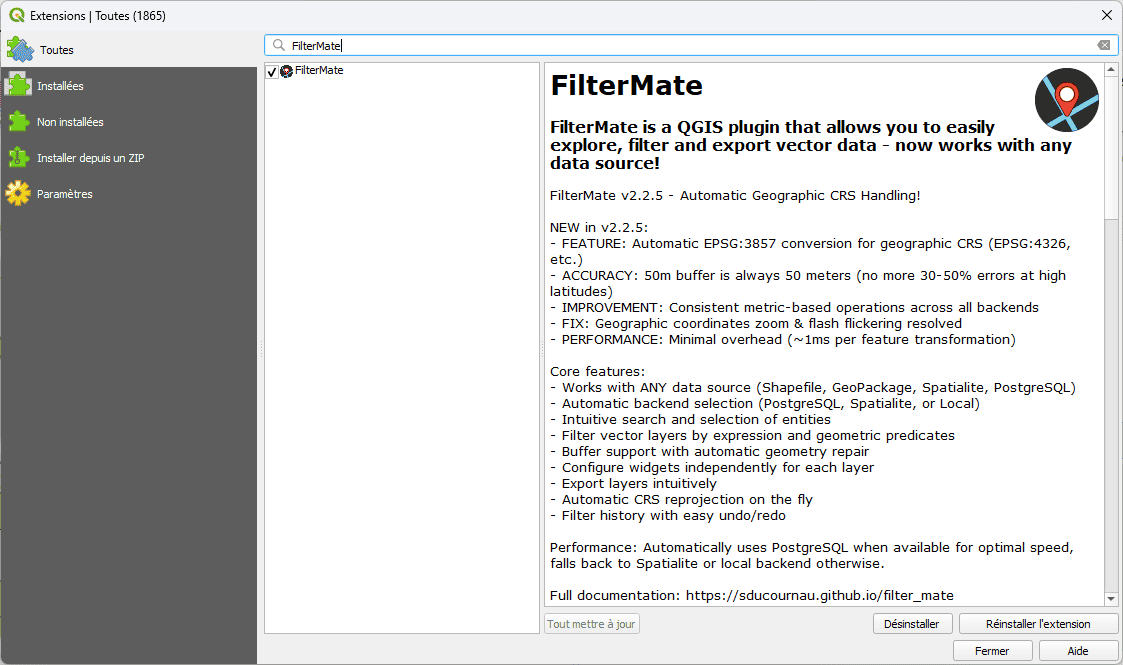
Search results showing FilterMate plugin
- Click Install Plugin
FilterMate successfully installed and ready to use
That's it! FilterMate is now ready to use with OGR and Spatialite backends.
Optional: PostgreSQL Backend (Recommended for Large Datasets)
For optimal performance with PostgreSQL/PostGIS layers, install the psycopg2 package.
PostgreSQL backend provides 10-50× faster filtering on large datasets (>50,000 features) compared to other backends.
Method 1: pip (Recommended)
pip install psycopg2-binary
Method 2: QGIS Python Console
- Open QGIS Python Console (Plugins → Python Console)
- Run:
import pip
pip.main(['install', 'psycopg2-binary'])
Method 3: OSGeo4W Shell (Windows)
- Open OSGeo4W Shell as Administrator
- Run:
py3_env
pip install psycopg2-binary
Verify Installation
Check if PostgreSQL backend is available:
from modules.appUtils import POSTGRESQL_AVAILABLE
print(f"PostgreSQL available: {POSTGRESQL_AVAILABLE}")
If True, you're all set! PostgreSQL backend will be used automatically for PostGIS layers.
Backend Selection
FilterMate automatically selects the optimal backend based on your data source:
| Data Source | Backend Used | Installation Required |
|---|---|---|
| PostgreSQL/PostGIS | PostgreSQL (if psycopg2 installed) | Optional: psycopg2 |
| Spatialite | Spatialite | None (built-in) |
| Shapefile, GeoPackage, etc. | OGR | None (built-in) |
Learn more about backends in the Backends Overview.
Troubleshooting
PostgreSQL not being used?
Check if psycopg2 is installed:
try:
    import psycopg2
    print("✅ psycopg2 installed")
except ImportError:
    print("❌ psycopg2 not installed")
Common issues:
- Layer is not from PostgreSQL source → Use PostGIS layers
- psycopg2 not in QGIS Python environment → Reinstall in correct environment
- Connection credentials not saved → Check layer data source settings
Next Steps
- Quick Start Tutorial - Learn the basics
- First Filter - Create your first filter
- Performance Benchmarks - Understand backend performance